Using Akuity Platform with Terraform
Nikita Kutselev
Once you created a GKE, EKS, AKS or any other type of Kubernetes cluster you probably want to manage it with your Argo CD instance. But how to put it there? Classic solution for adding a new cluster with a shell command (OSS or AKP) doesn’t appear very declarative and scalable. Let’s have a look at another solution.
At this point you most certainly use Terraform already and declare your cloud infrastructure with the Hashicorp Configuration Language (HCL).
Let me introduce the akuity/akp Terraform provider.
Provider configuration
First download the latest version of the provider:
You will need an organization name and API key to access Akuity Platform service:
Find your organization name on the organizations page
Create an API key on “API Keys” tab of your organization. Don’t forget to choose the “Admin” role for the key.
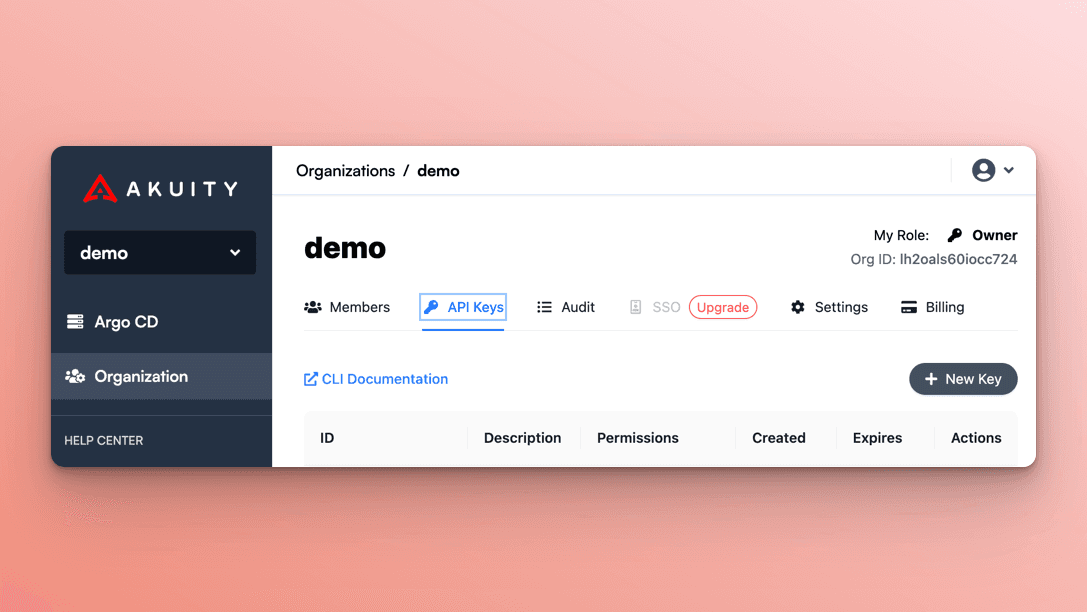
Configure the provider with your organization name and API keys:
Environment variables AKUITY_API_KEY_ID and AKUITY_API_KEY_SECRET work just as well.
Create resources
Now the provider is configured and you’re ready to create a new Argo CD instance, if you still don’t have one:
Creating new Argo CD instances with Terraform provider is still in beta – Akuity API is in active development and the schema can change any time, breaking the old provider versions. For production I recommend using
akp_instancedata source instead, referencing to manually created and configured Argo CD instance.
Add your cluster to this instance. This is an example for AKS cluster, assuming that you have declared azurerm_kubernetes_cluster.example resource:
That's it. Akuity agent will be installed automatically, and your new cluster is ready.
Of course, this works with any cloud provider, not just Azure.
Read existing resources
What if you already have an Argo CD instance running and configured outside of Terraform?
No problem, just use akp_instance data source instead of the resource.
Adding a new cluster to the existing Argo CD is no different. Just specify the correct instance_id field:
Import Argo CD instances
If you already have an Argo CD instance created, but you want to manage it with Terraform, use terraform import command:
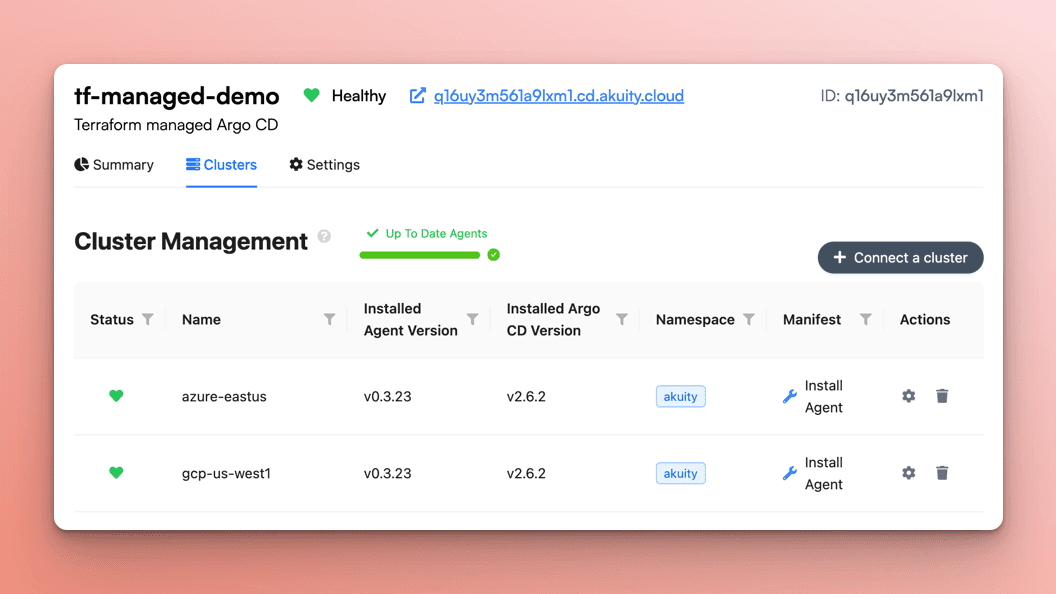
Notice the name and ID of your Argo CD instance<br /> For example let’s say the name is
tf-managed-demoand the id isq16uy3m561a9lxm1Declare an
akp_instanceresource and ensure the name field is equal to the instance name, e.gRun Terraform import with proper arguments, e.g.
terraform import akp_instance.example q16uy3m561a9lxm1
Increase the number of clusters
With Terraform for_each meta-argument you can easily add any number of clusters, and Terraform will create all the clusters simultaneously!
This is an example for adding GKE clusters, assuming each one was created with gke module, and the cluster names/parameters are stored in the local variable clusters:
Some arguments are missing from this example for better readability, but you can figure out yourself how to set up networking, node pools and other stuff.
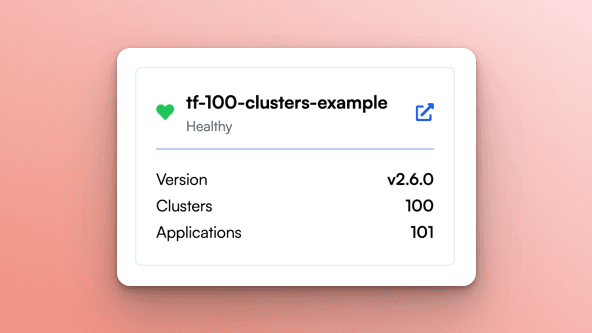
Here is a different example, with namespace-scoped agents instead of cluster-scoped. Adding 100 clusters took me 7 minutes, and half of the time was just waiting for the host cluster to scale up:
Try it Out
You can schedule a technical demo with our team or go through the “Getting started” manual on the Akuity Documentation website.
Additional Resources
Loved this blog? Get the most out of your Argo CD learning experience with these helpful resources:
[Blog Post]: Unlocking Ultimate Argo CD Security
[Blog Post]: Unlocking Ultimate Argo CD Flexibility
[Blog Post] Unlocking Ultimate Argo CD Scalability
[Blog Post] How Many Do You Need? Argo CD Architectures Explained - 2024 Update
[Blog Post] Yet Another Take on Integrating Terraform with Argo CD
